
 Български (EUR)
 Deutsch (EUR)
 English (EUR)
UV DTF Stickers request via calculator
Allowed formats: PNG, JPG, WEBP, SVG, EPS, AI, PDF, PSD
Added files
| Image | Height | Width | Quantity | # |
|---|
Calculated amount
All prices include VAT.
| Area | Price per square meter | Price |
|---|
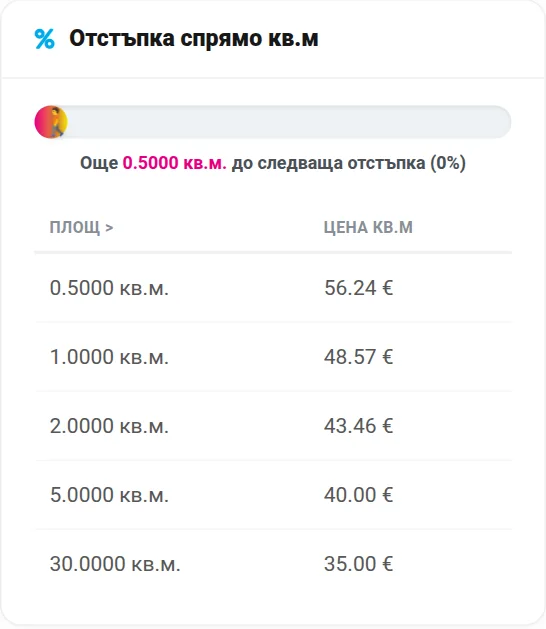
Discount by m²
| Area > | Price per square meter |
|---|---|
| 0.5 m² | $ 59.60 |
| 1 m² | $ 51.47 |
| 2 m² | $ 46.05 |
| 5 m² | $ 42.39 |
| 30 m² | $ 37.09 |
UV DTF stickers
UV DTF stickers give your promotional products a premium look. Printed with UV technology, they are resistant to moisture, scratches and outdoor conditions, with no need for extra varnish or lamination.
How to apply UV DTF stickers
Five easy steps to a perfect result.
Clean the surface
Make sure the product is dry, clean and degreased. Cleaning with isopropyl alcohol is recommended.
Peel off the protective film
Remove the backing of the sticker, taking care not to touch the adhesive side.
Position and apply
Place the sticker on the product and press evenly from the center outward to avoid air bubbles.
Press firmly
Use your fingers or a squeegee and press firmly over the entire surface, especially the edges.
Remove the top film
Slowly peel off the transfer (top) film at an angle, making sure the sticker stays on the product.
How the calculator works
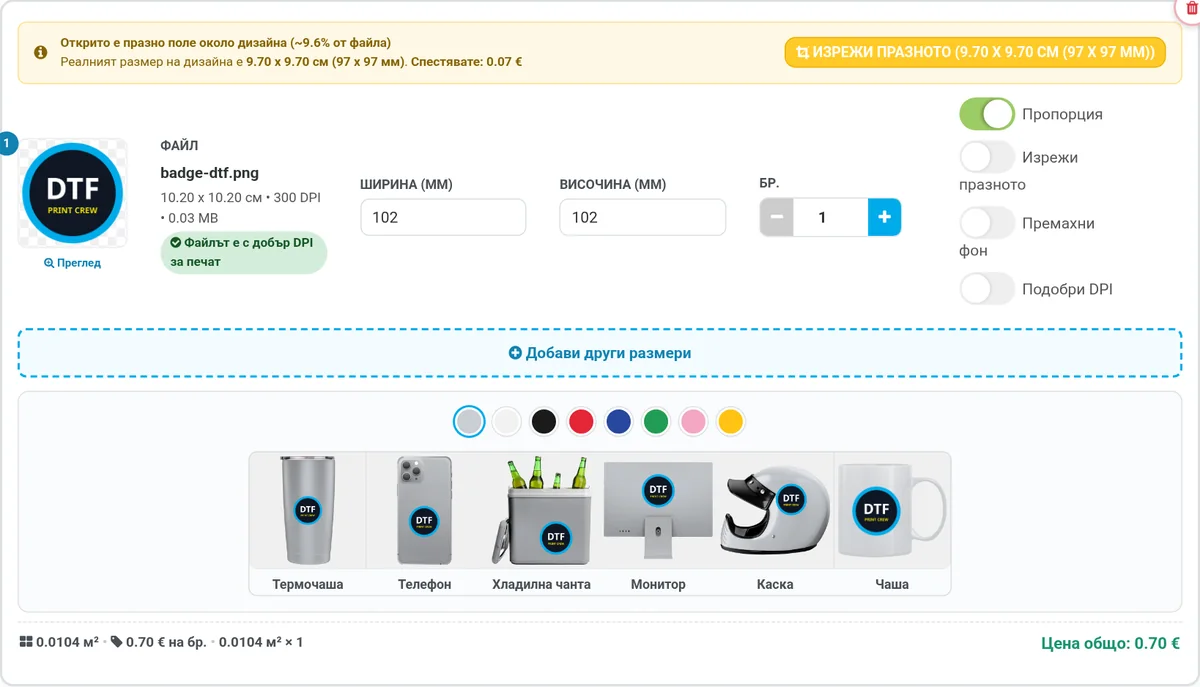
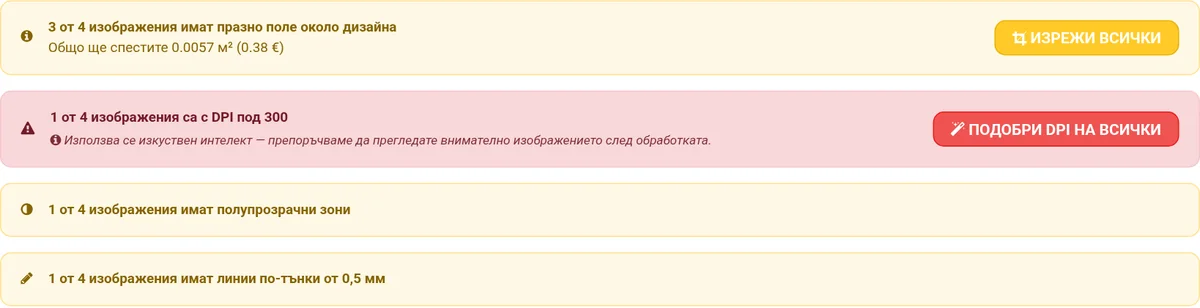
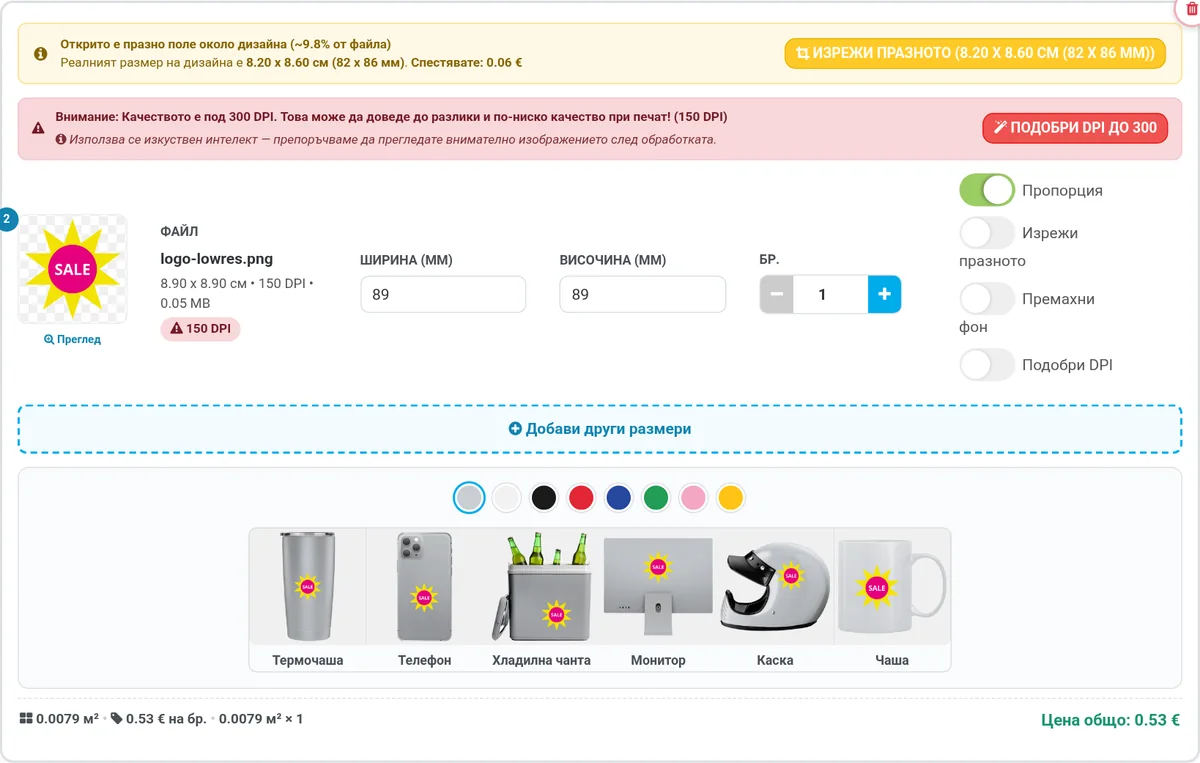
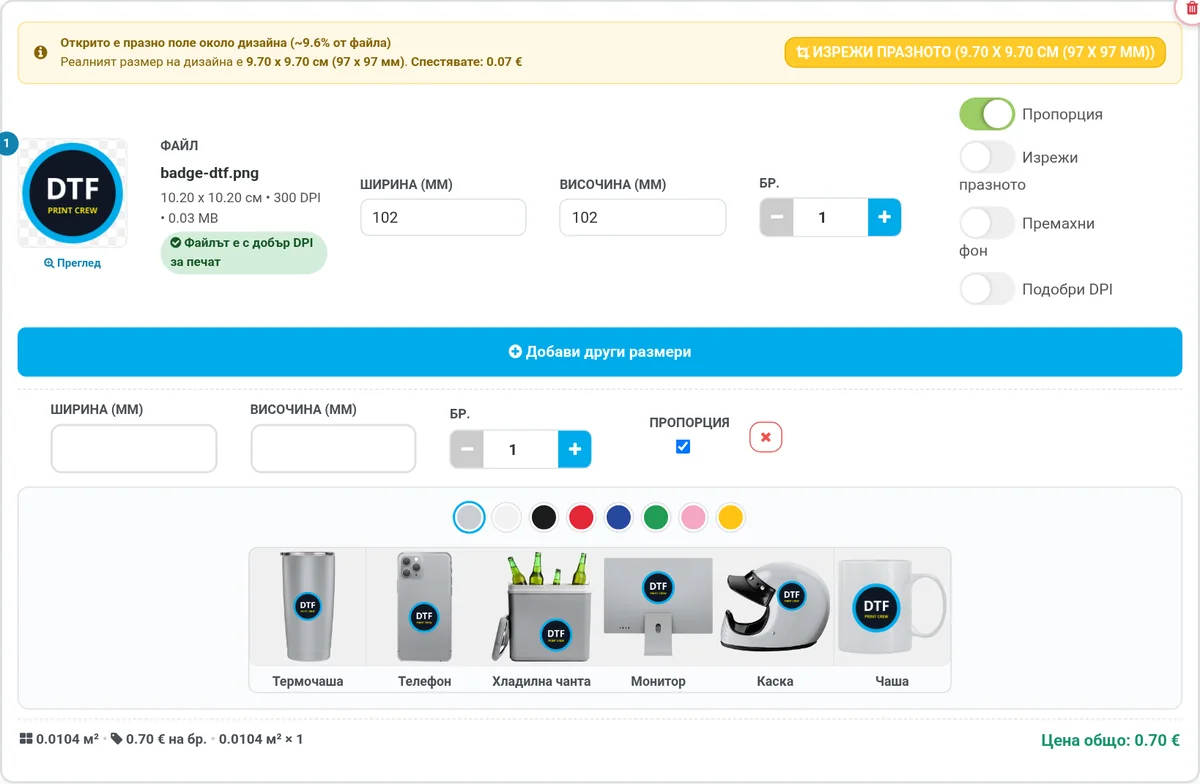
A few steps from file to cart - with every file checked along the way.

About our transfers and guarantee
We offer next-generation DTF transfers that blend into the fabric! We work only with the highest-quality inks, film and powder to print the brightest white and color DTF transfers.
Our process and materials give you increased durability, stretch and resistance to repeated washing.
Every order is individually reviewed by our prepress specialists to ensure a correct, high-quality print. If there is a problem with the quality of the images you uploaded, we will contact you by phone or email.
We stand behind the quality of the transfers we print for you. If a transfer is defective due to a technical problem, we will reprint it (this does not apply to problems caused by uploaded low-quality images).
File requirements
- PNG format - 300+ DPI preferred, with a resolution of at least 3000 pixels wide.
- Trimmed to the pixel on all sides (in Photoshop: “Image → Trim”) - or with the “Crop empty space” button in the calculator.
- The calculator uses the actual size of the image, and you can change it afterwards.
- Transparent background only.
- Do NOT upload mirrored images.
Why register?
After registering, you get access to features available only to dtfprint.net members.
Your own gallery
Add and remove designs, create folders and keep your entire image archive - for faster future orders.
Repeat orders
From the “Order” menu, choose “Reorder” - request an old order again and adjust quantities and sizes.
Free samples
Still undecided? We can send you a few free samples to transfer yourself - you only pay for shipping.